Framer development
Framer is a competitor to Webflow, a modern website platform used mainly by startups and by freelancers for their portfolios, thanks to very fast iteration and its similarity to the design tool Figma. Framer combines design, a CMS, hosting and SEO in a single tool, so a site comes together quickly, looks exactly like the design and can be managed by someone with no knowledge of code.
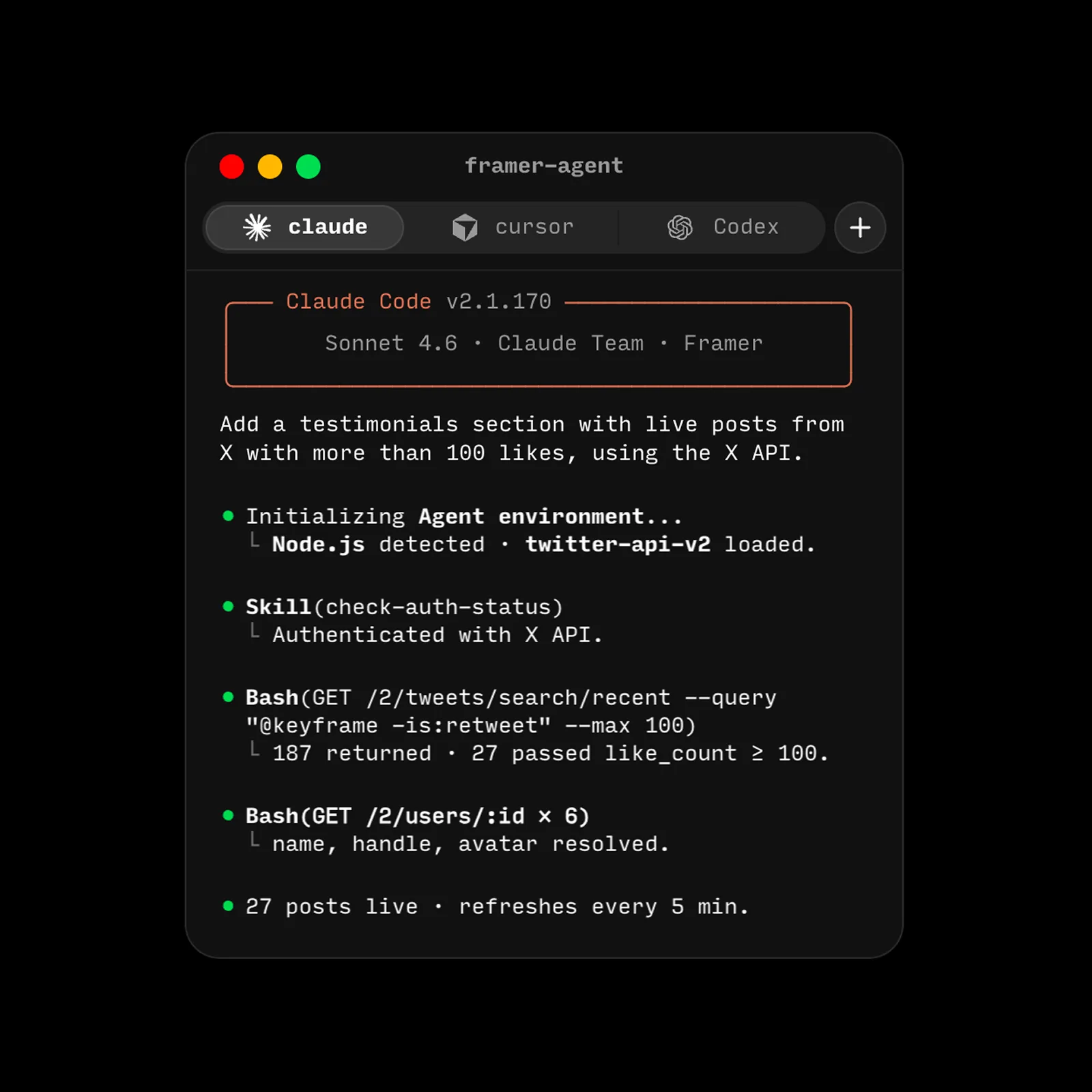
AI agents
AI agents in Framer adjust copy, layout, styles and responsive behaviour across the whole site in moments. They take care of SEO, image alt texts and CMS content, and they find broken links. Every change stays fully editable and can be tried out on the side before it reaches the live site.
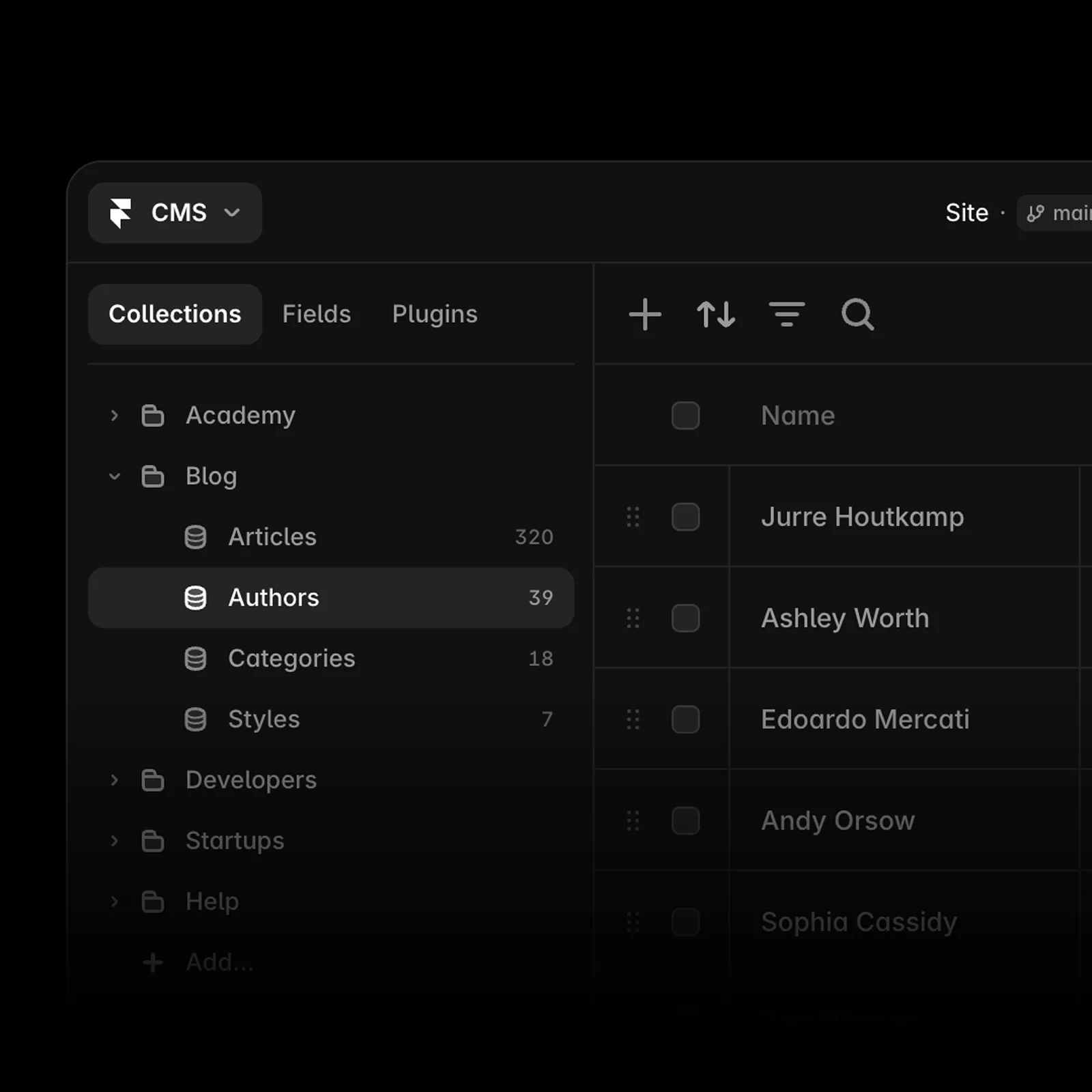
CMS
You manage the site's content in the built-in CMS: the blog, case studies, careers and any other dynamic pages. On-page editing lets you change texts, images and entire pages directly on the live site in your browser.
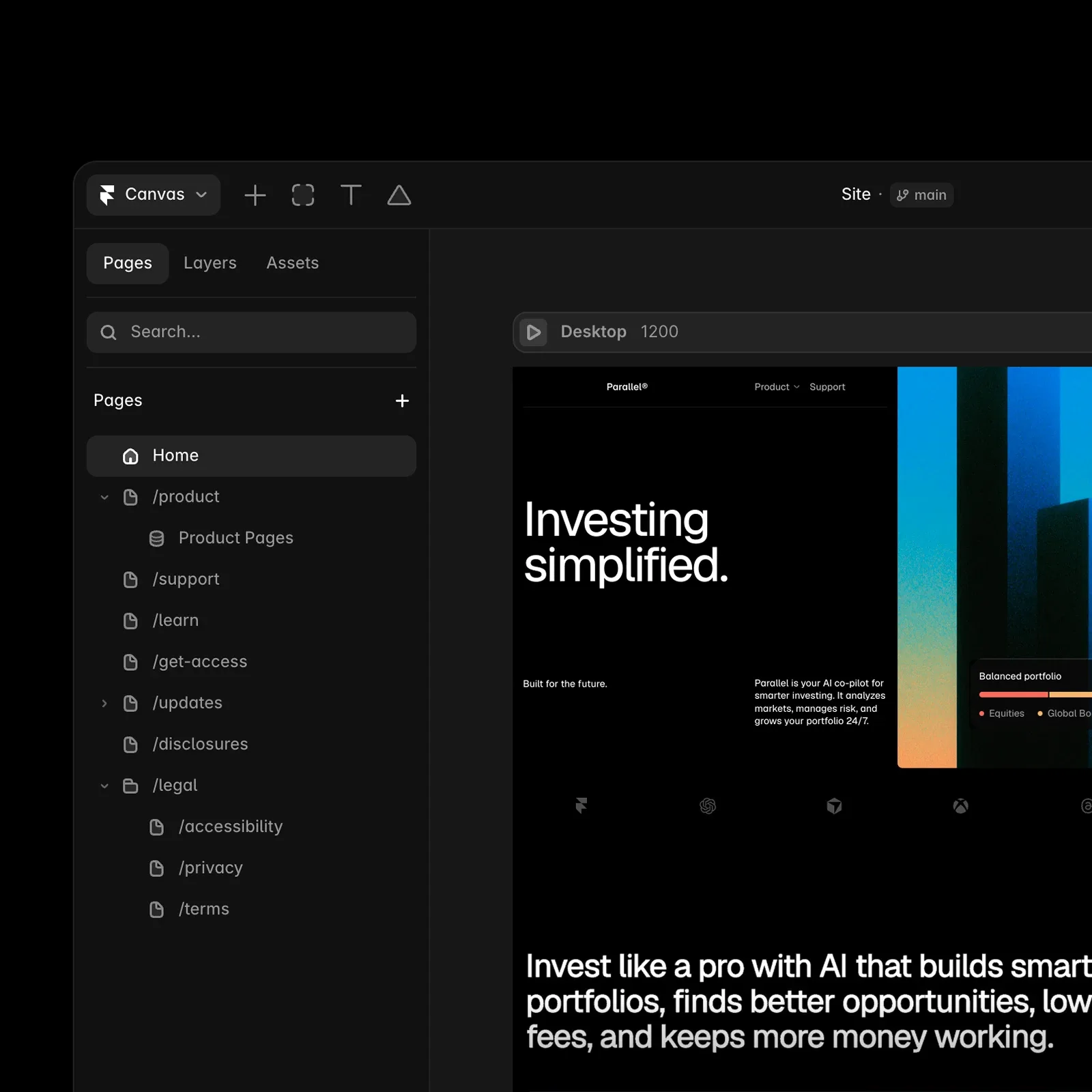
Visual canvas
Framer works much like Figma, so turning a design into a finished website is straightforward and without compromises. Pages are assembled from reusable components and styles, which keeps the site consistent and easy to extend as it grows.
SEO / LLMs
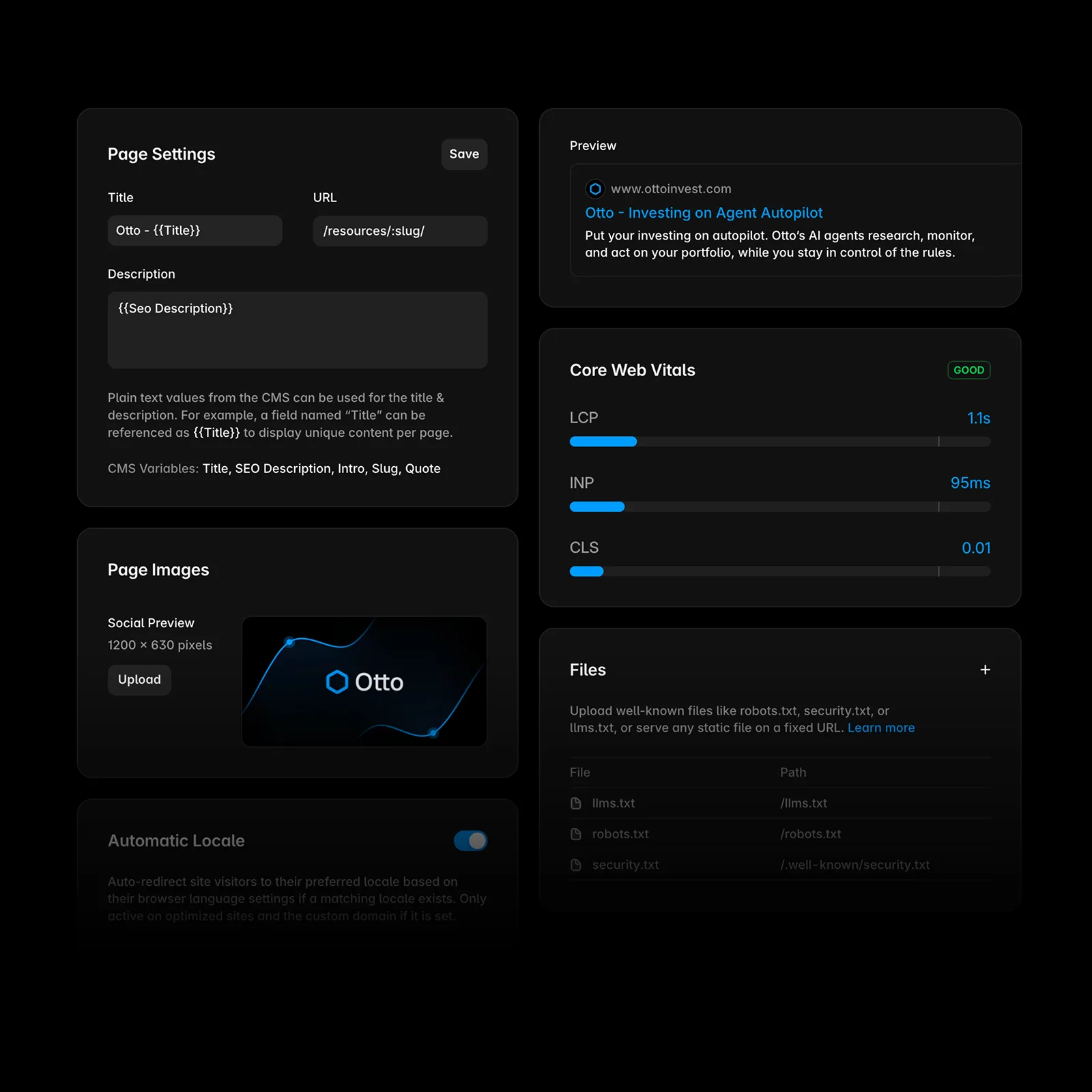
Every page has its own meta title, description, URL and Open Graph preview for social networks. Framer generates the sitemap automatically, redirects take a few clicks and structured data can be added with custom code. A clean heading structure and fast loading help visibility in search engines as well as in AI answers.
Speed and security
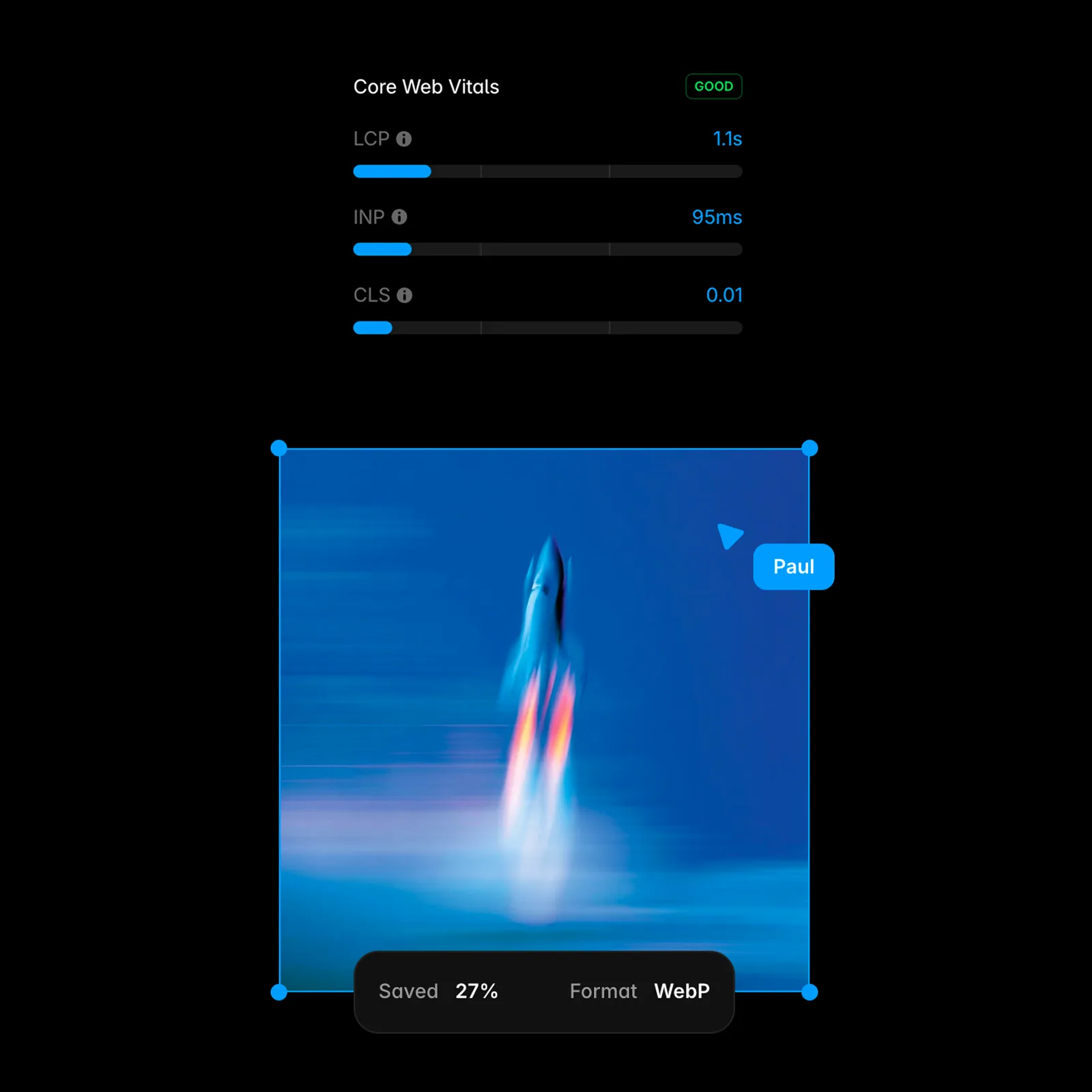
Framer is built on React, one of the most widely used technologies for modern websites. Sites run on a global network of more than 300 locations, so they load quickly anywhere in the world. The SSL certificate, image optimisation and lazy loading are automatic. The hosting meets SOC 2 Type II, ISO 27001, GDPR and CCPA standards.
Design and responsiveness
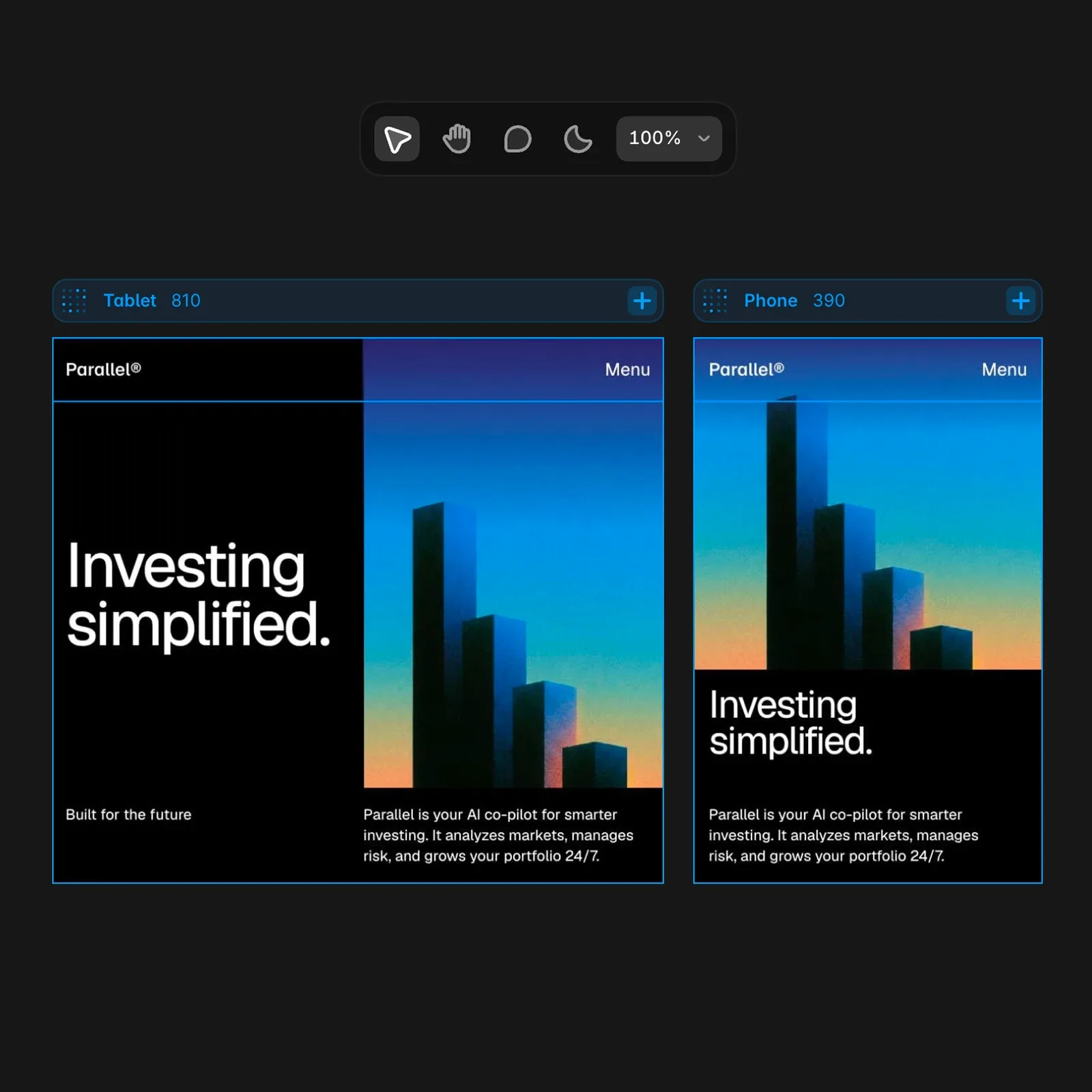
The site adapts to desktops, tablets and phones through custom breakpoints. Each device can be fine-tuned separately, so the design works just as well on a large screen as on a phone.
Interactions and animation
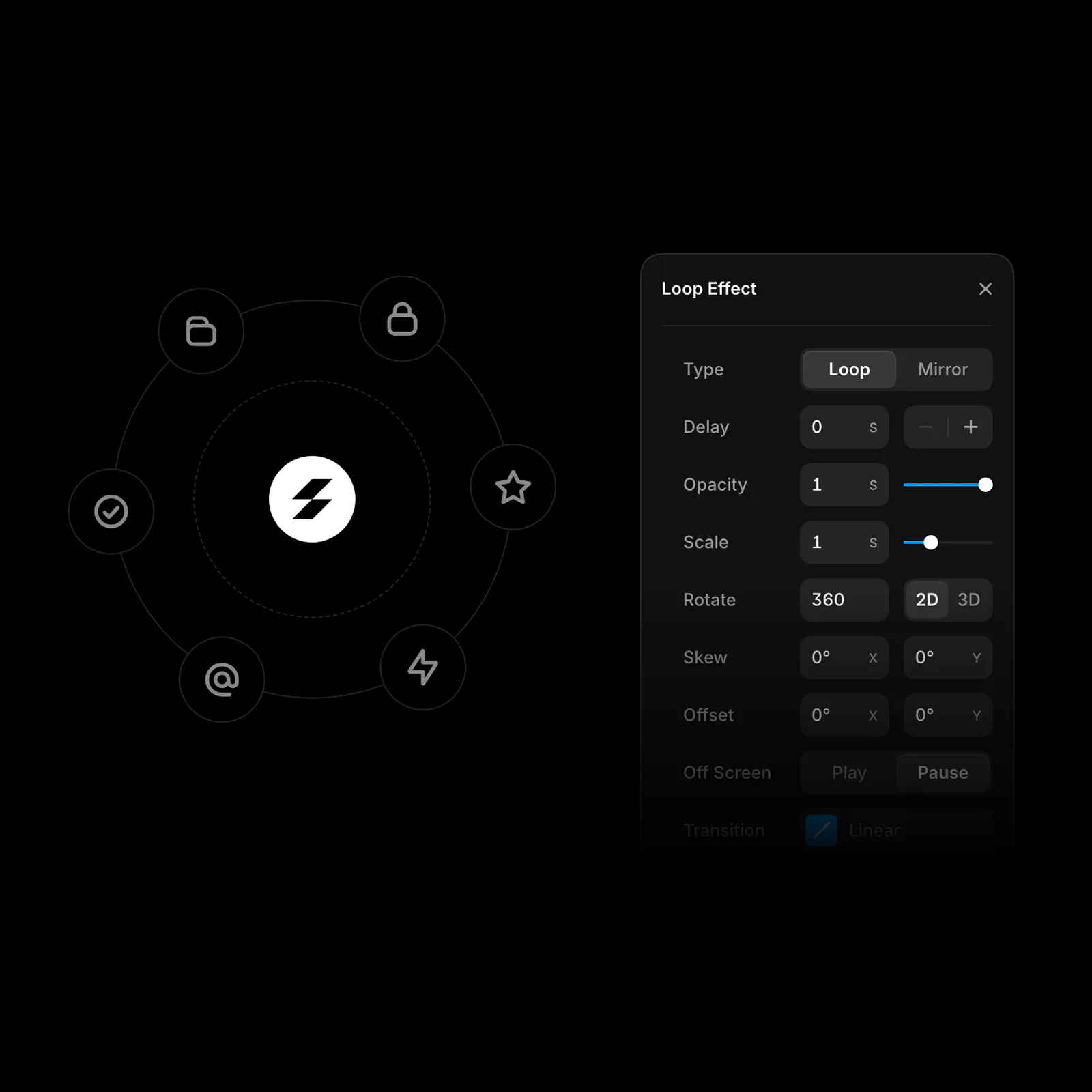
Scroll animations, reveal effects, hover states, page transitions and even advanced shaders are all set up visually, without writing code. The result is a site that feels alive and holds attention from the first second.
Marketplace
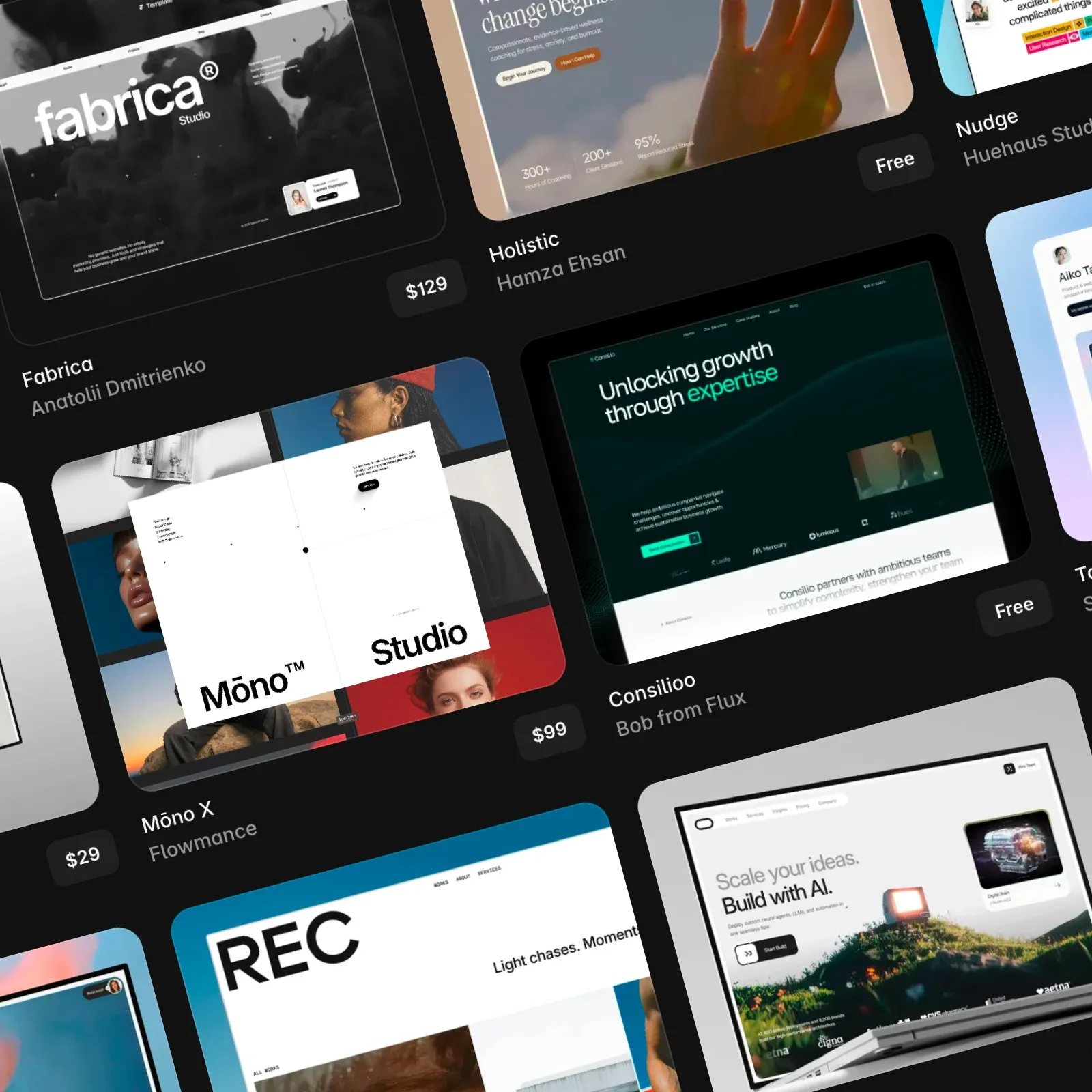
The marketplace offers plugins, components and templates that extend what the site can do. Analytics, forms, marketing tools or external data are easy to connect, and the API lets you link content to your own systems.
Localisation
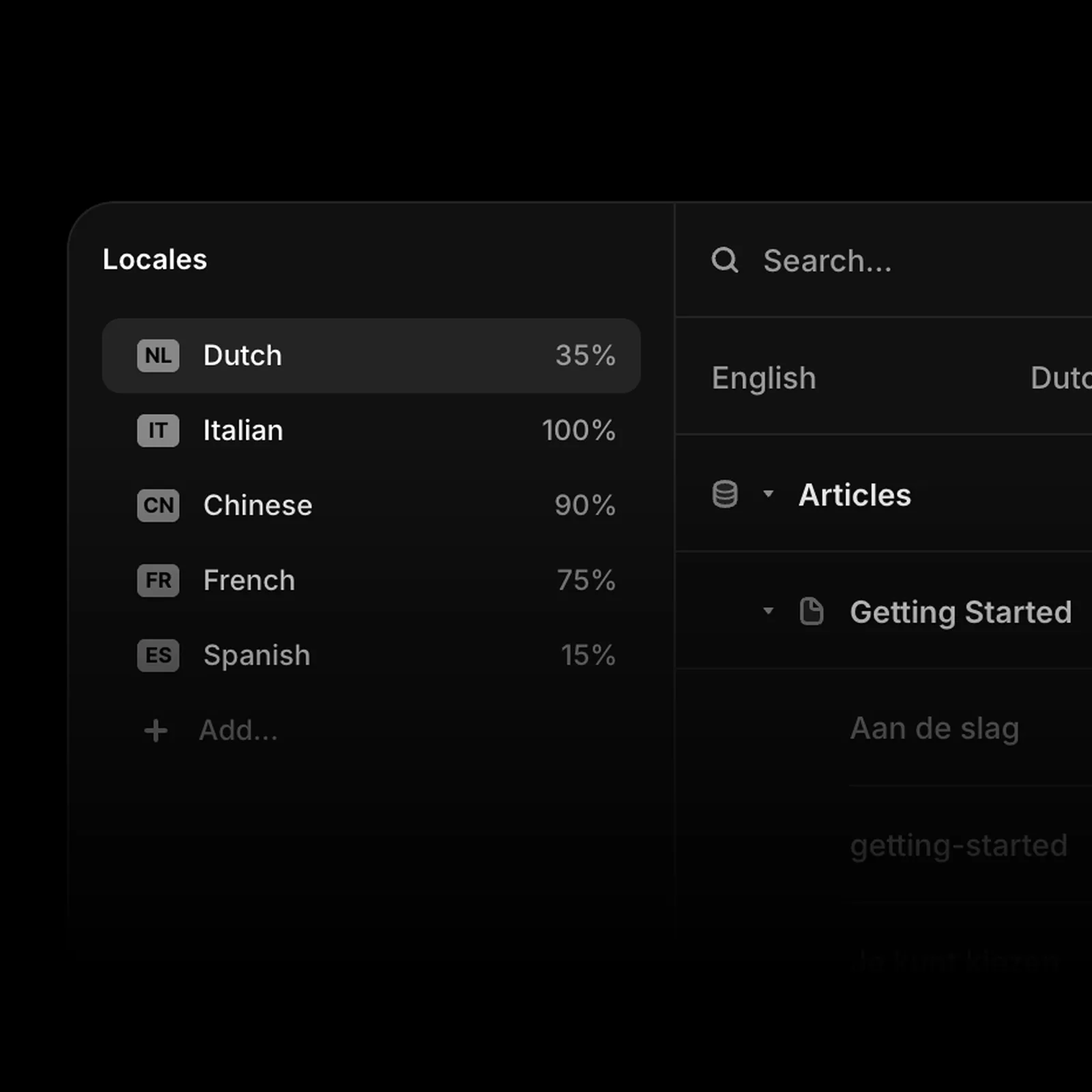
Framer Localization lets you manage several language versions of a site in one project. Texts can be translated with AI and then refined, and each language version can have its own SEO settings and URLs. Ideal for companies that want to reach markets abroad and expand.
Frequently Asked Questions
- What is Framer and who is it for?
Framer is a website platform that combines a visual editor, a CMS, hosting and SEO in one tool. It works much like Figma, so anyone who has worked with design finds their way around it quickly.
It is chosen mostly by startups, freelancers and smaller companies that need a site out fast and then want to edit it themselves. For large sites with a lot of content another solution is usually a better fit.
- What is the difference between Framer and Webflow?
Framer bets on speed of building and on work that feels close to a design tool. Webflow offers deeper control over page structure, a stronger CMS and more options on larger projects.
Put simply: Framer pays off where a site has to appear quickly and change often, Webflow where it will grow in breadth. I pick the platform for every enquiry based on the project, not on my specialisation.
- How much does Framer development cost?
The price depends on the number of pages, the complexity of the design and what the site has to do beyond displaying content, for example a connection to a CRM or custom interactive elements.
On top of the development price you need to count the monthly Framer plan, which is paid to the platform directly. I prepare an exact quote after the initial consultation, where we agree on the scope.
- How long does it take to build a site in Framer?
A smaller presentation is usually finished within a week. Larger sites take 2 to 3 weeks.
- Can I manage a Framer site myself?
Yes. You manage the content in the built-in CMS, and on-page editing lets you change texts and images directly on the live site in your browser.
During the handover we go through where to change what, and I build sites from components so you can put a new page together without a developer.
- Is Framer good for SEO?
Yes. Every page has its own title, description, URL and Open Graph preview, the sitemap is generated automatically and redirects take a few clicks. Structured data is added with custom code.
The rest is down to the developer: heading hierarchy, loading speed, internal linking and content that answers specific questions. That is what search results and citations in AI answers are built on.
- Can a Framer site be translated into several languages?
Yes, that is what Framer Localization is for. The language versions live in one project, and texts can be pre-translated with AI and then refined.
Each language version can have its own SEO settings and its own URLs, so sites for markets abroad do not have to be set up separately.
