What is Webflow

Webflow is one of the most widely used platforms for building websites, bringing a visual editor, a content management system (CMS) and hosting together in a single tool. It lets you design, publish and manage fully responsive websites while still giving users and developers the option to work with their own HTML, CSS and JavaScript.

Webflow is popular mainly with designers, marketers and product teams, because it offers full control over the look and structure of a site, fast deployment of changes, and high performance and security thanks to its integrated hosting. It suits company websites, marketing sites, landing pages and content-driven sites where flexibility, scalability and independence from developers matter.

Jan Gregor – Webflow Developer
Jan Gregor
Webflow developer, Webflow Premium Partner

What Webflow offers

  • Mockup of Webflow CMS Editor

    CMS / Edit Mode

    All pages and the entire content of the site can be edited very easily in the Edit Mode. All content updates can be seen live on the page and publishing or unpublishing can be done with a single click.

  • Build Mode

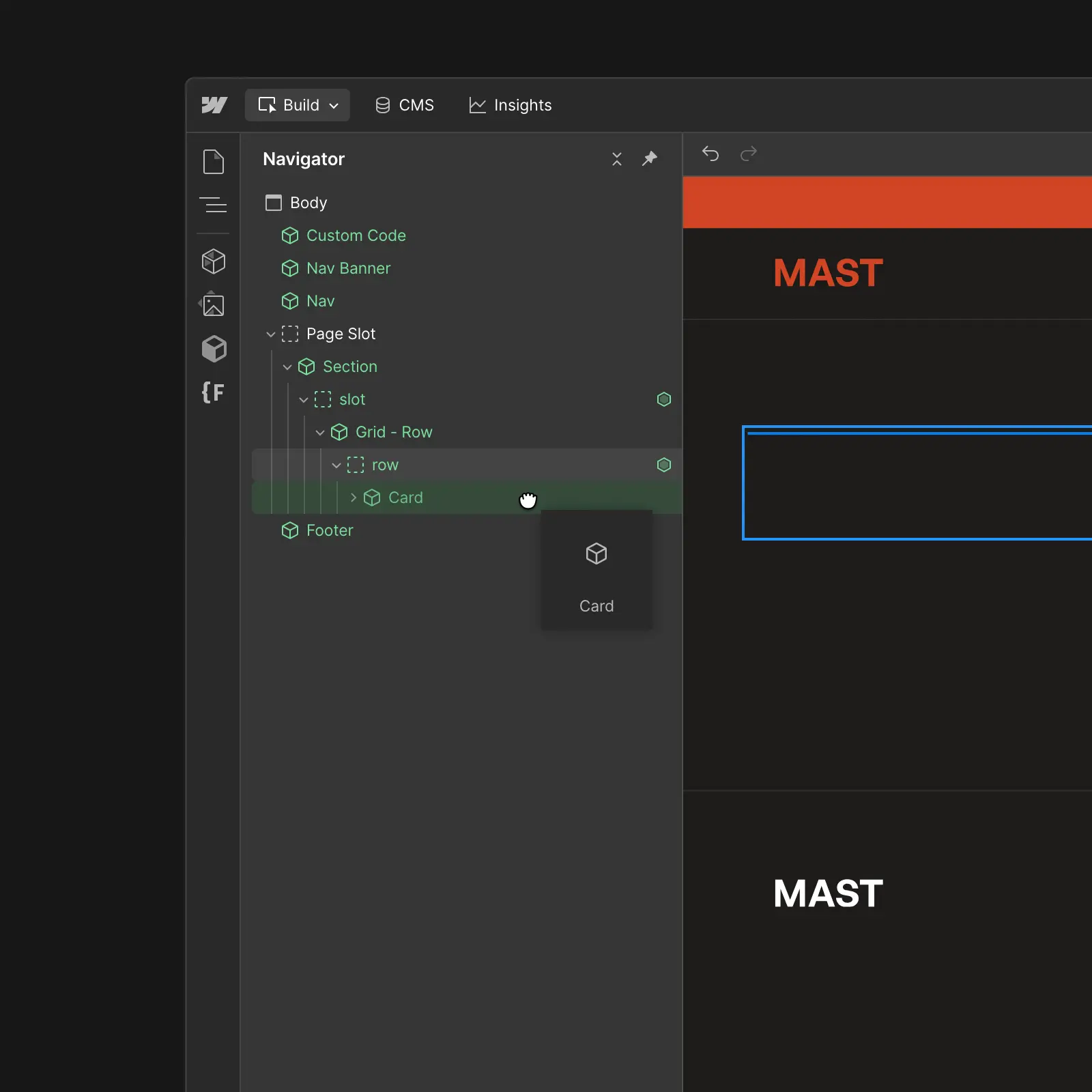
    With Webflow’s Build Mode, you can create new pages simply by picking prepared components, dragging and dropping the elements you need, and updating the content to fit all your needs.

    Mockup of Webflow Build Mode for website created on Webflow platform
  • Mockup of page SEO settings for website created on Webflow platform

    SEO / LLMs

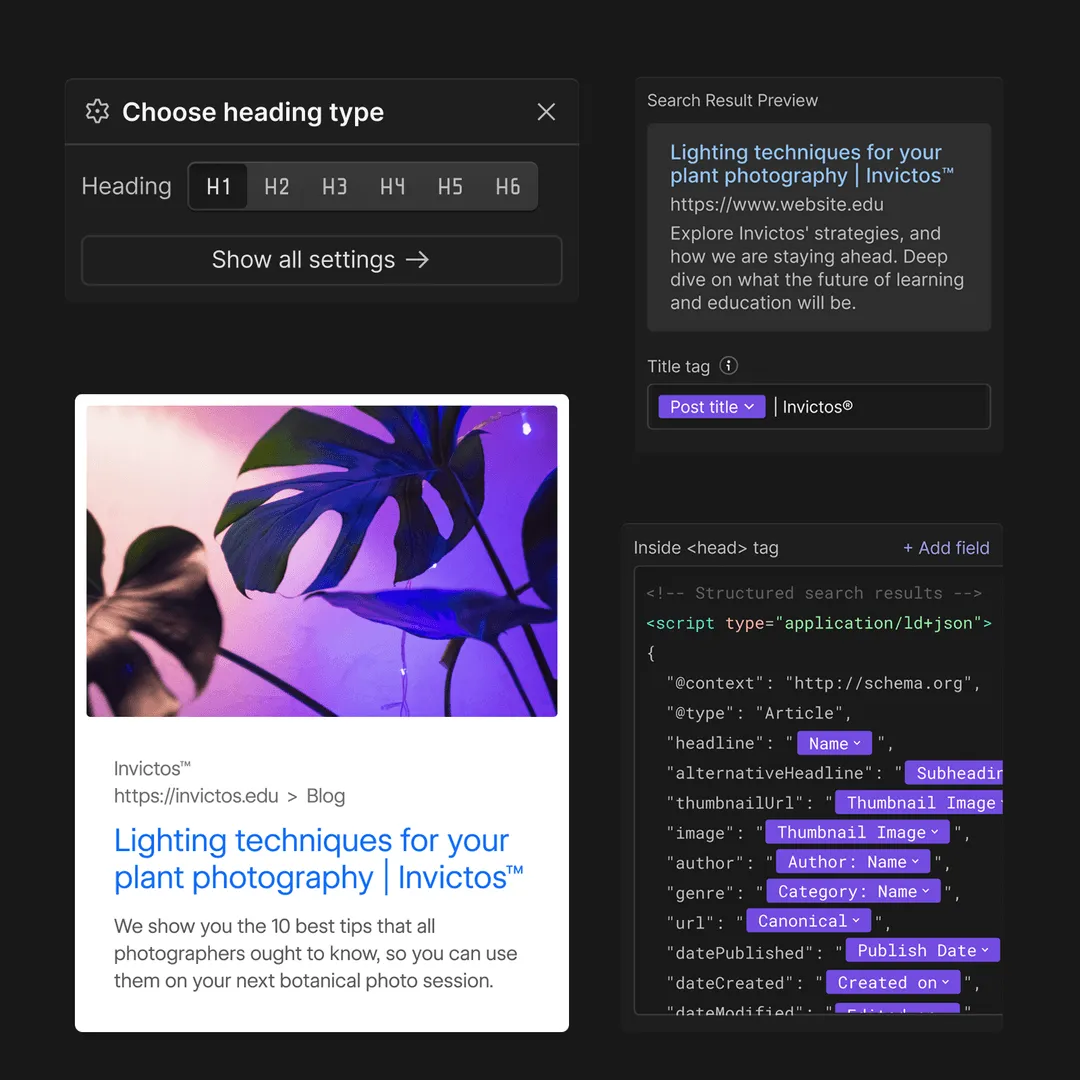
    Webflow generates very clean, semantic code, allowing you to control heading hierarchy and HTML tags. You can also natively manage all metadata, URLs, Open Graph images, and JSON-LD structured data. Webflow automatically generates sitemaps per locale based on hreflangs, and you can also natively upload a custom LLMs.txt file.

  • Speed

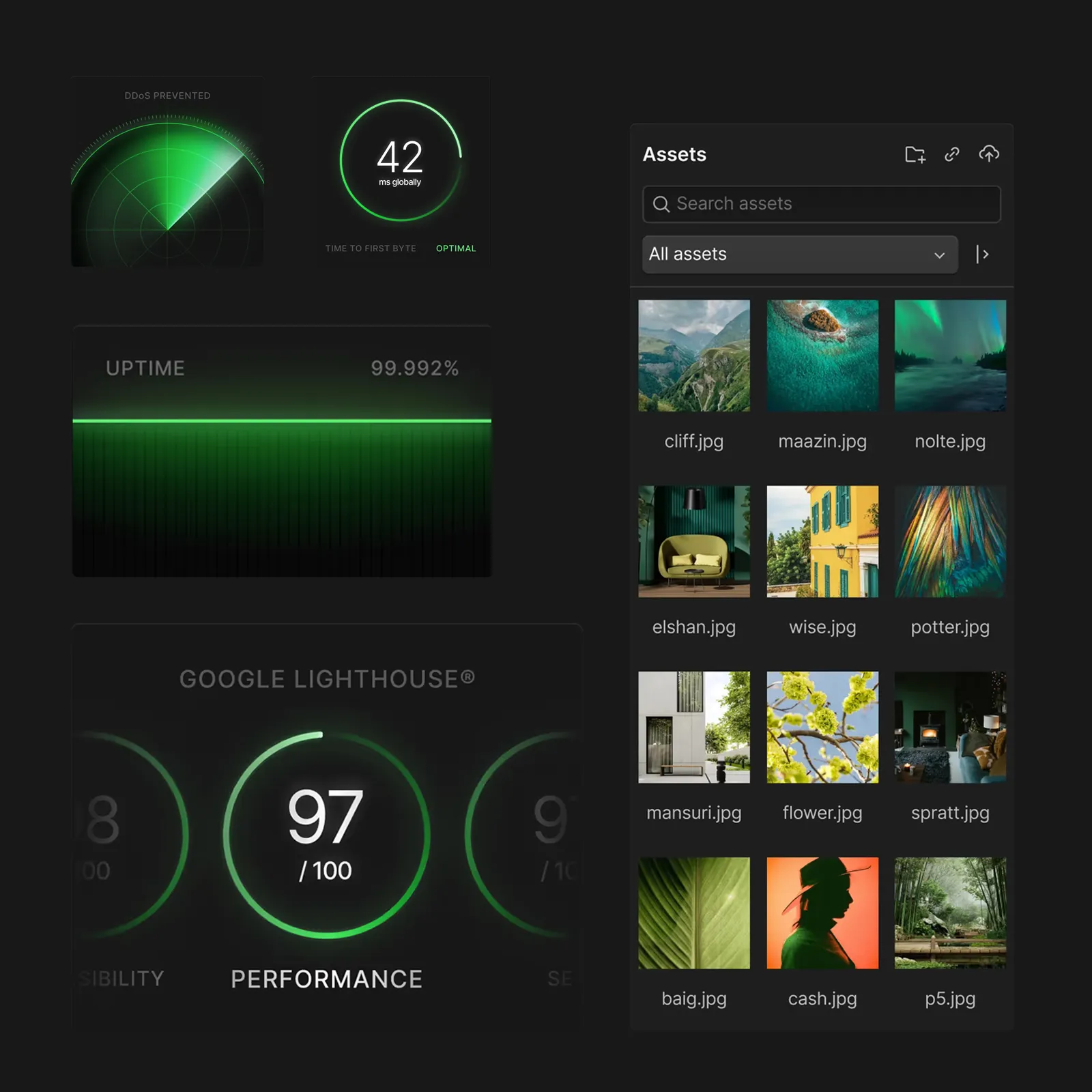
    In a world where no one waits for anything, Webflow offers hosting through AWS and Cloudflare - the fastest and most secure hosting technologies. Websites load super fast, support secure SSL protocols and comply with SOC 2 Type II, CCPA, and GDPR compliant.

    Mockup of page speed results for website created on Webflow platform
  • Mockup of page design responsive settings for website created on Webflow platform

    Design and responsiveness

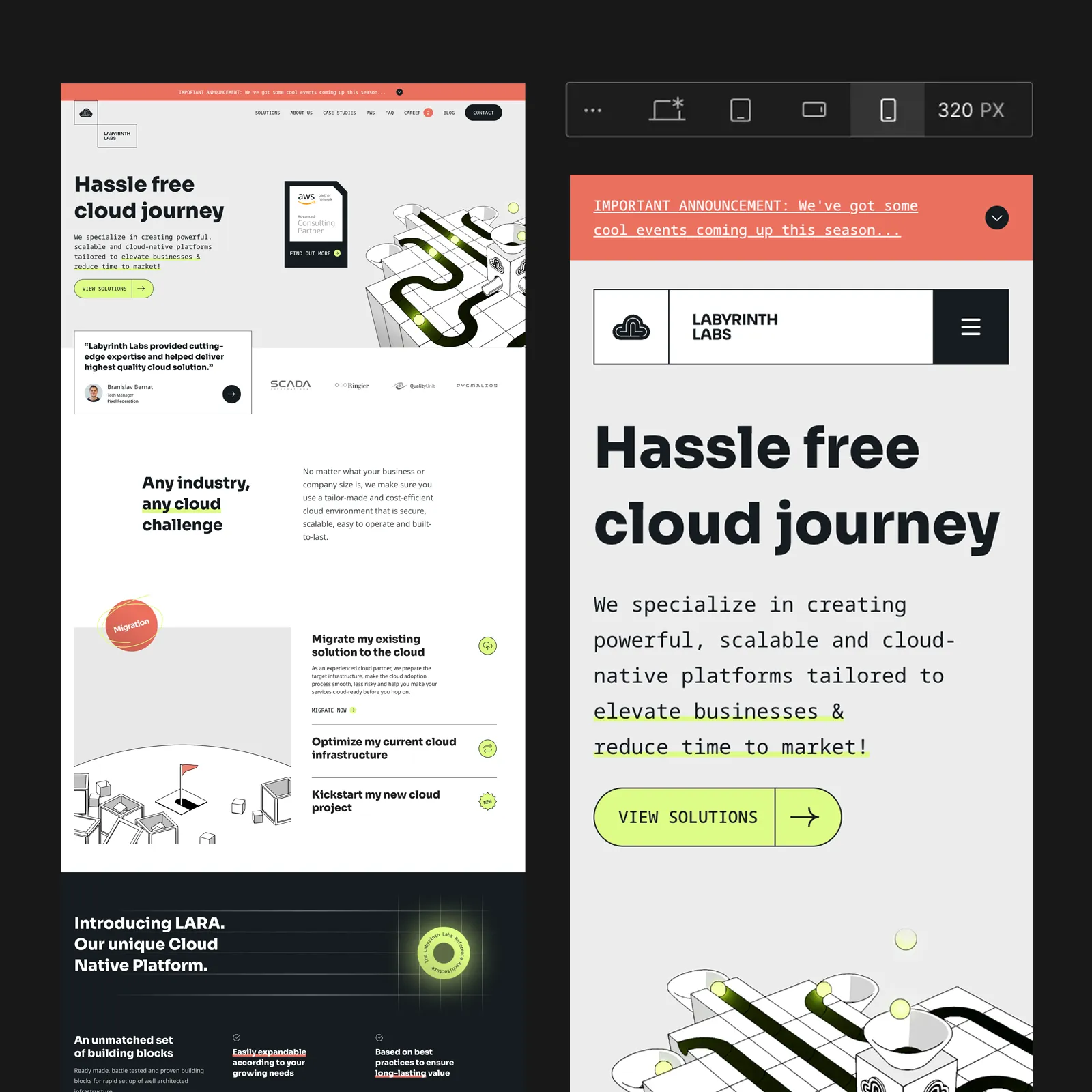
    Webflow places a strong emphasis on design responsiveness, ensuring your website works seamlessly across desktops, tablets, and mobile phones. Interactions and advanced animations can be easily optimized based on device breakpoints to ensure full performance on smaller viewports.

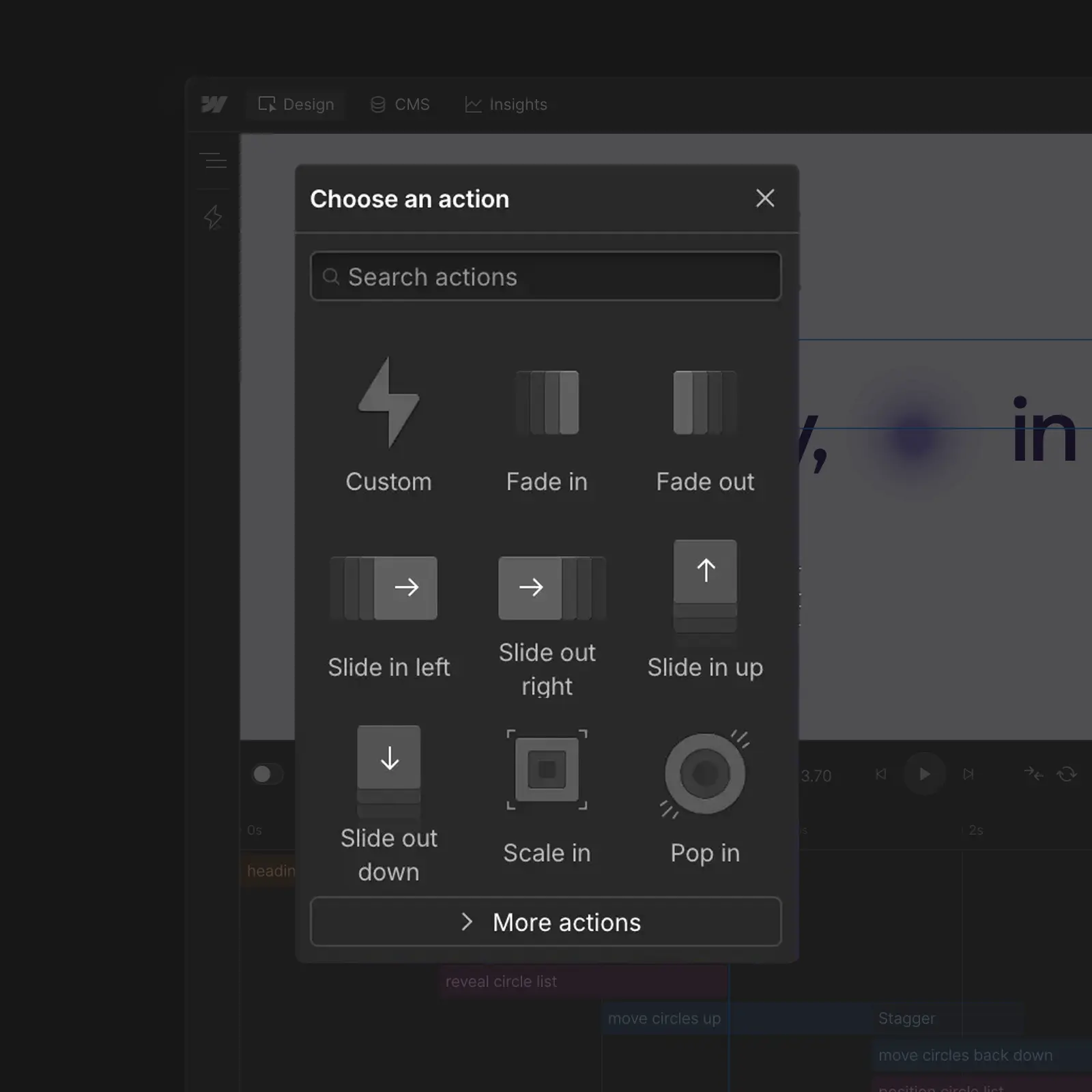
  • Interactions

    Creating advanced interactions and animations has never been easier. With Webflow’s native GSAP timeline panel, you can effortlessly design and maintain animations that grab attention.

    Mockup of Webflow Interaction Panel for website created on Webflow platform
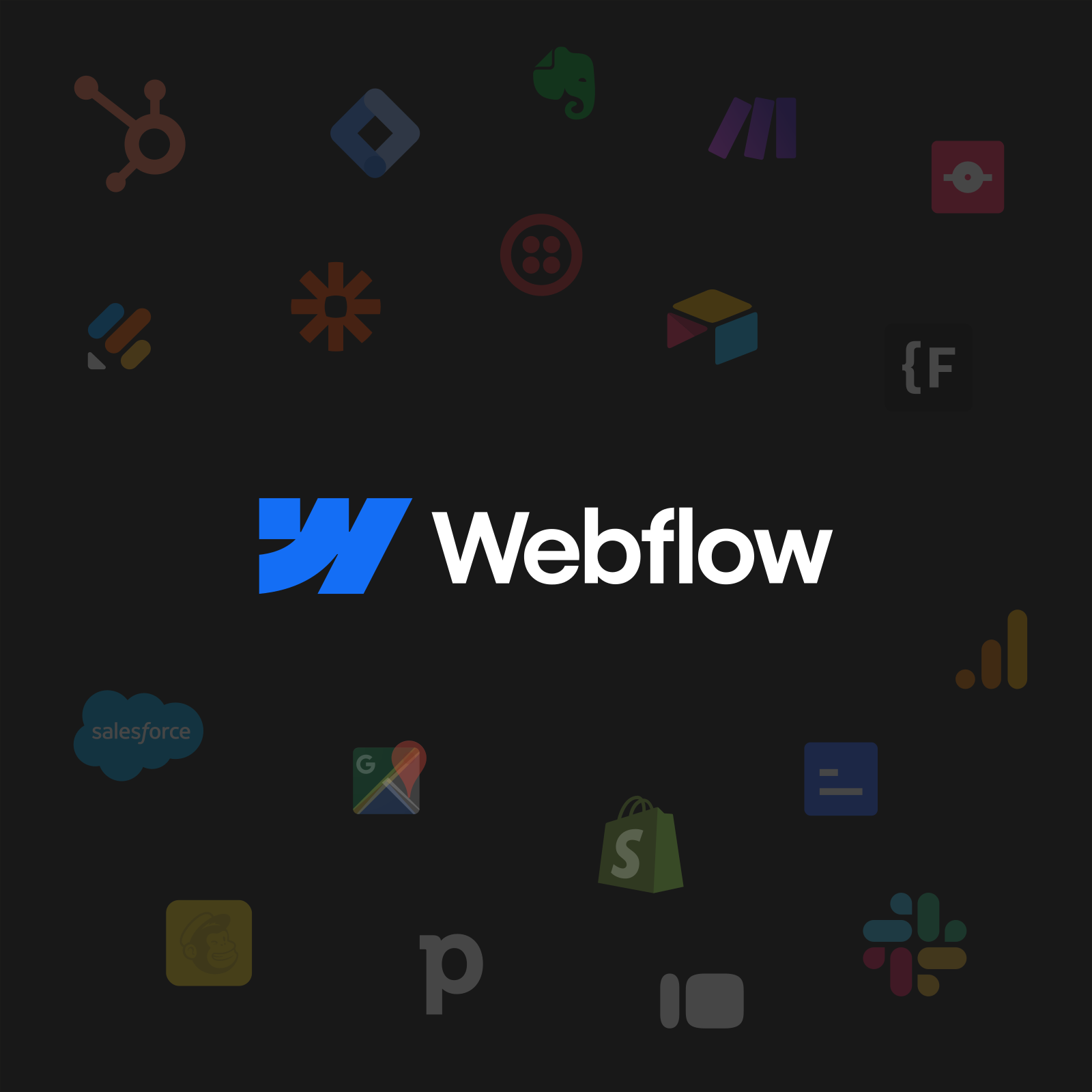
  • App integrations and third party solution for Webflow websites

    Integration

    With a wide range of third-party tools, you can integrate analytics, automation, marketing platforms, and other services to tailor the website to your needs. The integrations are easy to configure and help maximize your website's potential.

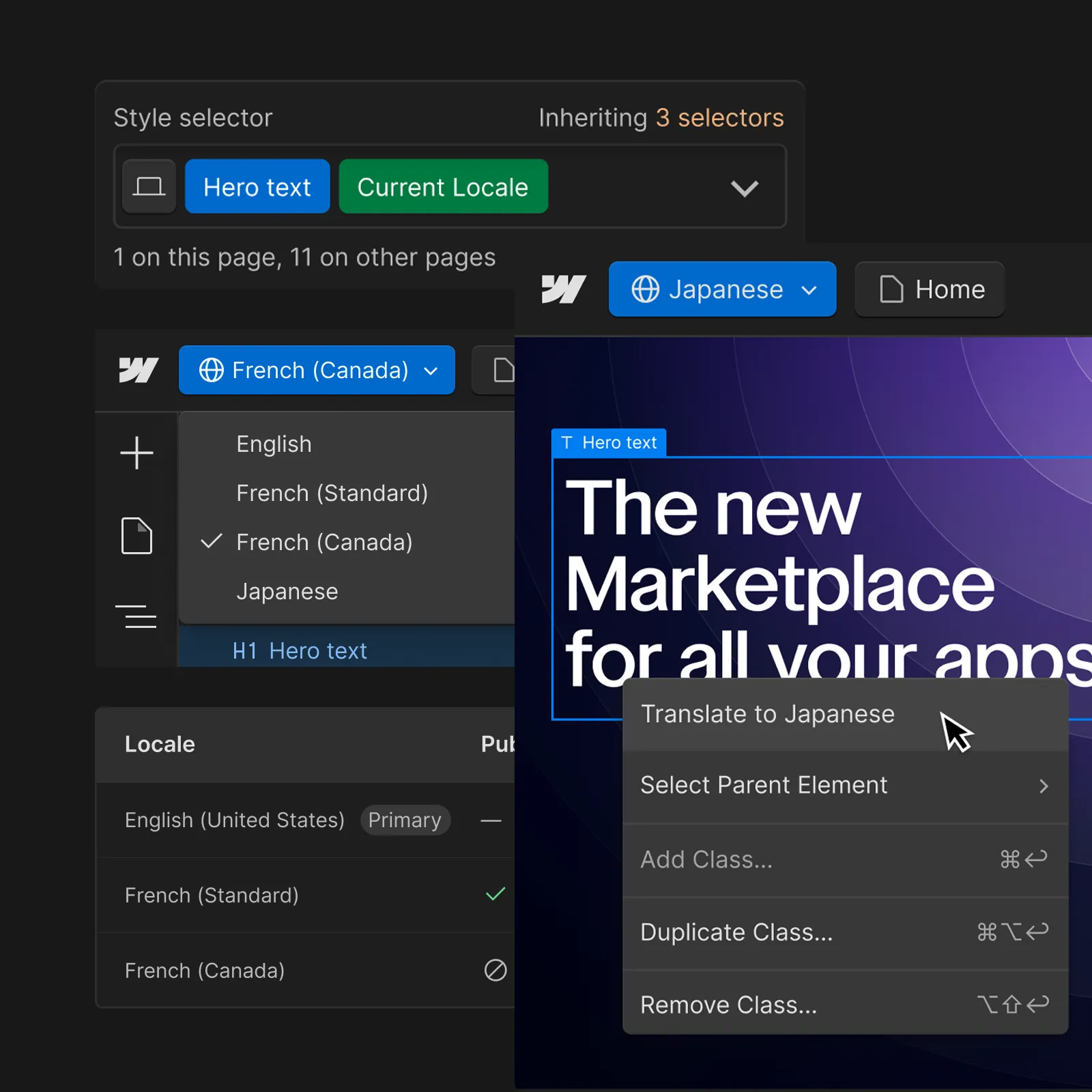
  • Localization

    Webflow Localization is a full solution that handles everything from automated translation to top-tier SEO optimization, ensuring your website can effectively reach a global audience. It allows you to easily adapt content for different markets and ensures your brand is communicated worldwide.

    Mockup of page translations for website created on Webflow platform

Webflow vs Framer

Fast and effortless setup
Highly customizable features
Clean and well-structured code
Built-in SEO optimization
Stable and fast AWS-powered hosting
Powerful and easy-to-use CMS
Fully responsive design
Built-in protection
Adaptable for all types of sites
Fast and effortless setup
Highly customizable features
Clean and well-structured code
Basic SEO capabilities only
AWS hosting
Minimal CMS functionality
Fully responsive design
Built-in protection
Best for prototyping
Requires knowledge and monitoring
Limited flexibility for customization
Unstructured and cluttered code
Expensive SEO add-ons (plugins)
No integrated hosting
Powerful and intuitive CMS
Time-consuming responsiveness
Additional costs for security features
Suited mainly for blog-focused websites
Fast and effortless setup
Minimal design flexibility
Code with unnecessary bulk
Limited tools for advanced SEO
Google Cloud and AWS hosting
Limited CMS
Optimized for mobile use
Built-in protection
Ideal for basic sites
Fast and effortless setup
Template-restricted styling
Clean and well-structured code
Minimal advanced SEO tools
Google Cloud and AWS hosting
Limited content editing capabilities
Fully responsive design
Built-in protection
Ideal for online stores
Requires higher knowledge
Highly customizable features
Clean and well-structured code
Minimal options for advanced SEO
High performance AWS hosting
Basic CMS
Fully responsive design
Built-in protection
Best for web applications and prototyping

Frequently Asked Questions

  • What is Webflow and how does it work?

    Webflow is one of the most widely used platforms for building websites, bringing a visual editor, a content management system (CMS) and hosting together in a single tool. It lets you design, publish and manage fully responsive websites while still giving users and developers the option to work with their own HTML, CSS and JavaScript.

    Webflow is popular mainly with designers, marketers and product teams, because it offers full control over the look and structure of a site, fast deployment of changes, and high performance and security thanks to its integrated hosting. It suits company websites, marketing sites, landing pages and content-driven sites where flexibility, scalability and independence from developers matter.
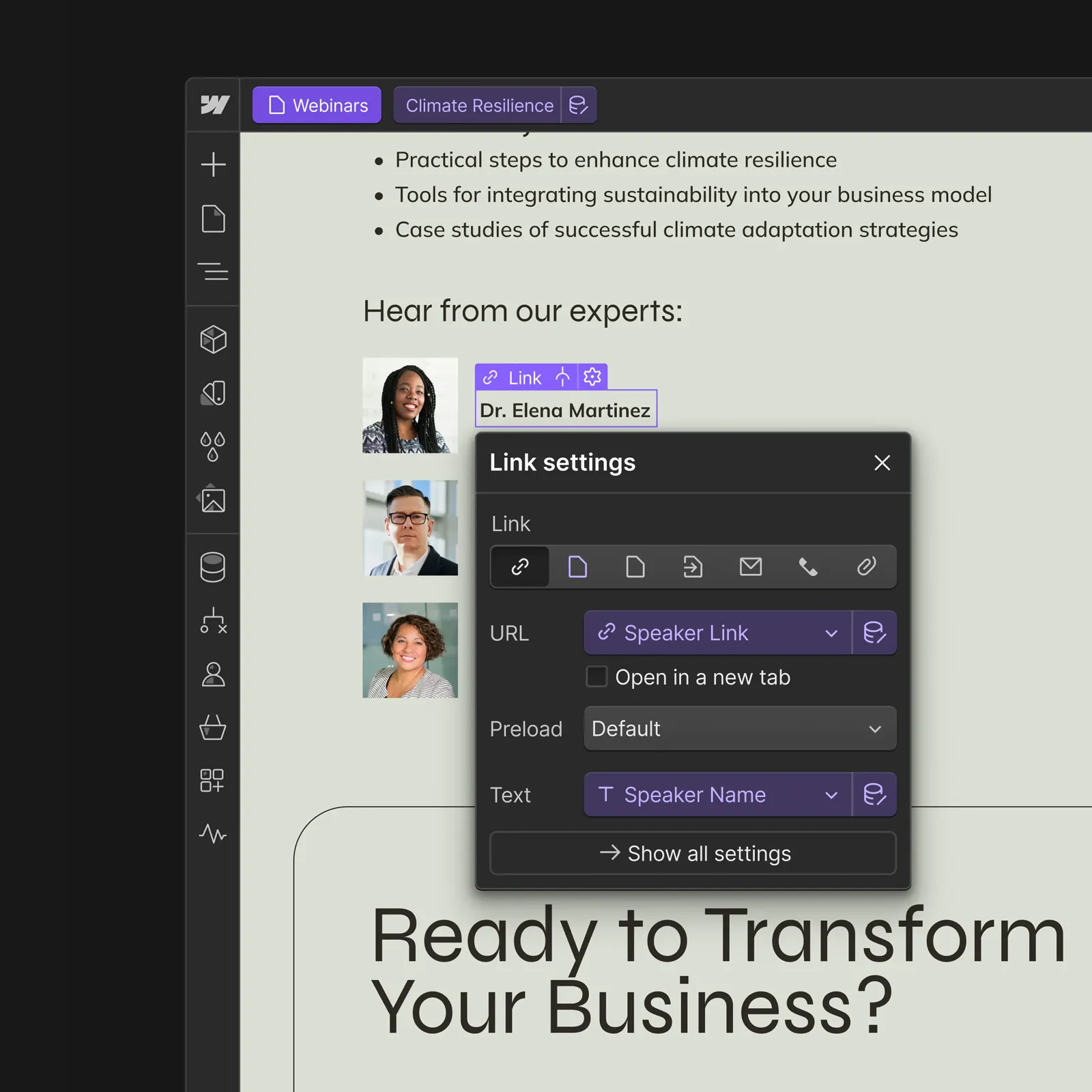
  • Who is Webflow for and when is it worth using?

    Webflow suits practically every type of website, and smaller web applications too. Whether it is a large corporate site or a small personal presentation, Webflow covers most of today’s requirements thanks to how complete it is.

  • Is Webflow good for SEO and fast websites?

    Webflow generates very clean semantic code, heading hierarchy is easy to set up, and so are meta descriptions, URLs, Open Graph and Schema data. Webflow also generates the sitemap for you. All of this meets the advanced SEO standards that search engines and LLMs like. You can read more on this topic in the article SEO in Webflow.

  • Are websites built in Webflow responsive?

    Yes. Webflow puts a strong emphasis on responsive design, so your site handles desktops, tablets and phones with ease. The whole site is also visible for each breakpoint in the editor’s live preview.

  • Can I edit a Webflow website without knowing how to code?

    Webflow includes a user-friendly content management system and an intuitive editor, so you can easily change texts, images or whole sections of the site yourself, with no coding knowledge. You see every content update live on the page, and publishing or reverting takes a single click.

  • Is it possible to move an existing website to Webflow?

    Yes, any web solution can be rebuilt in Webflow. The most common client request is migration from WordPress, but other platforms such as Framer, Squarespace, Wix, Webnode, Bubble, Solidpixels and others can be handled too. If you use another custom solution, it can serve as the visual reference and the data can be imported in bulk through the native CSV import or moved over via the API. What is required always depends on the state of your current solution.